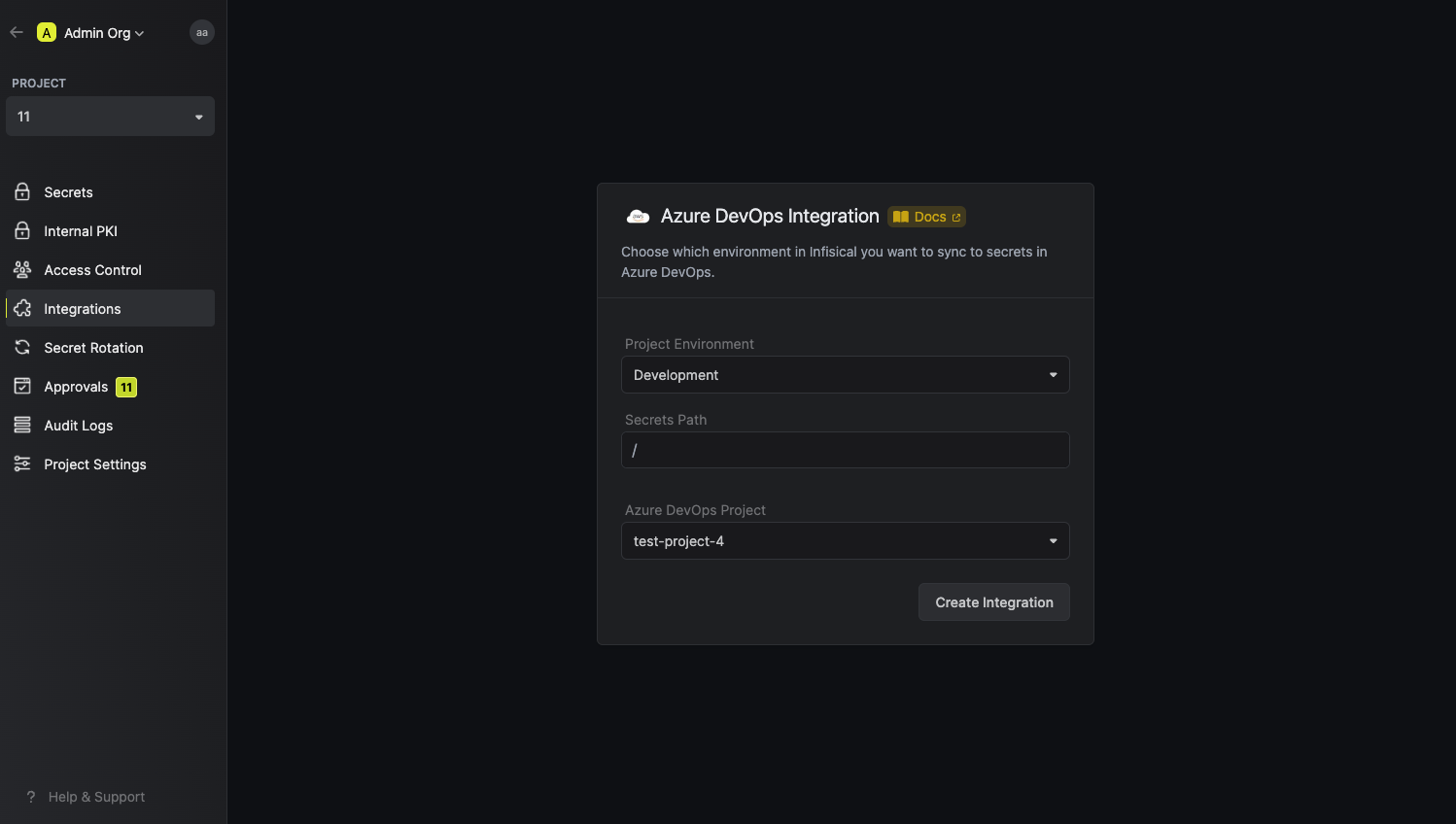
Usage
Prerequisites:- Set up and add envars to Infisical Cloud.
- Create a new Azure DevOps project if you don’t have one already.
Create a new Azure DevOps personal access token (PAT)
You’ll need to create a new personal access token (PAT) in order to authenticate Infisical with Azure DevOps.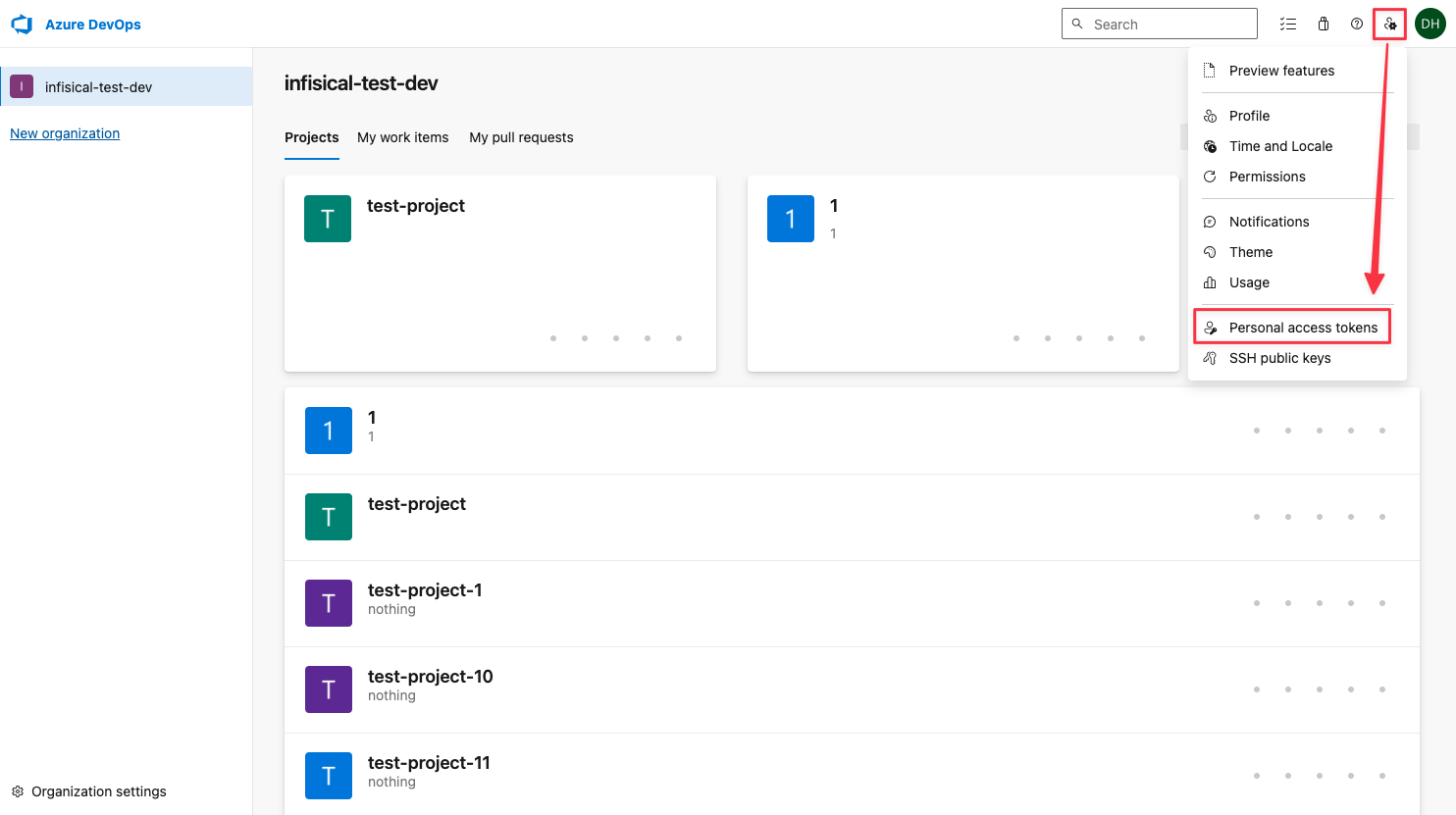
Create a new token
Make sure the newly created token has Read/Write access to the Release scope.
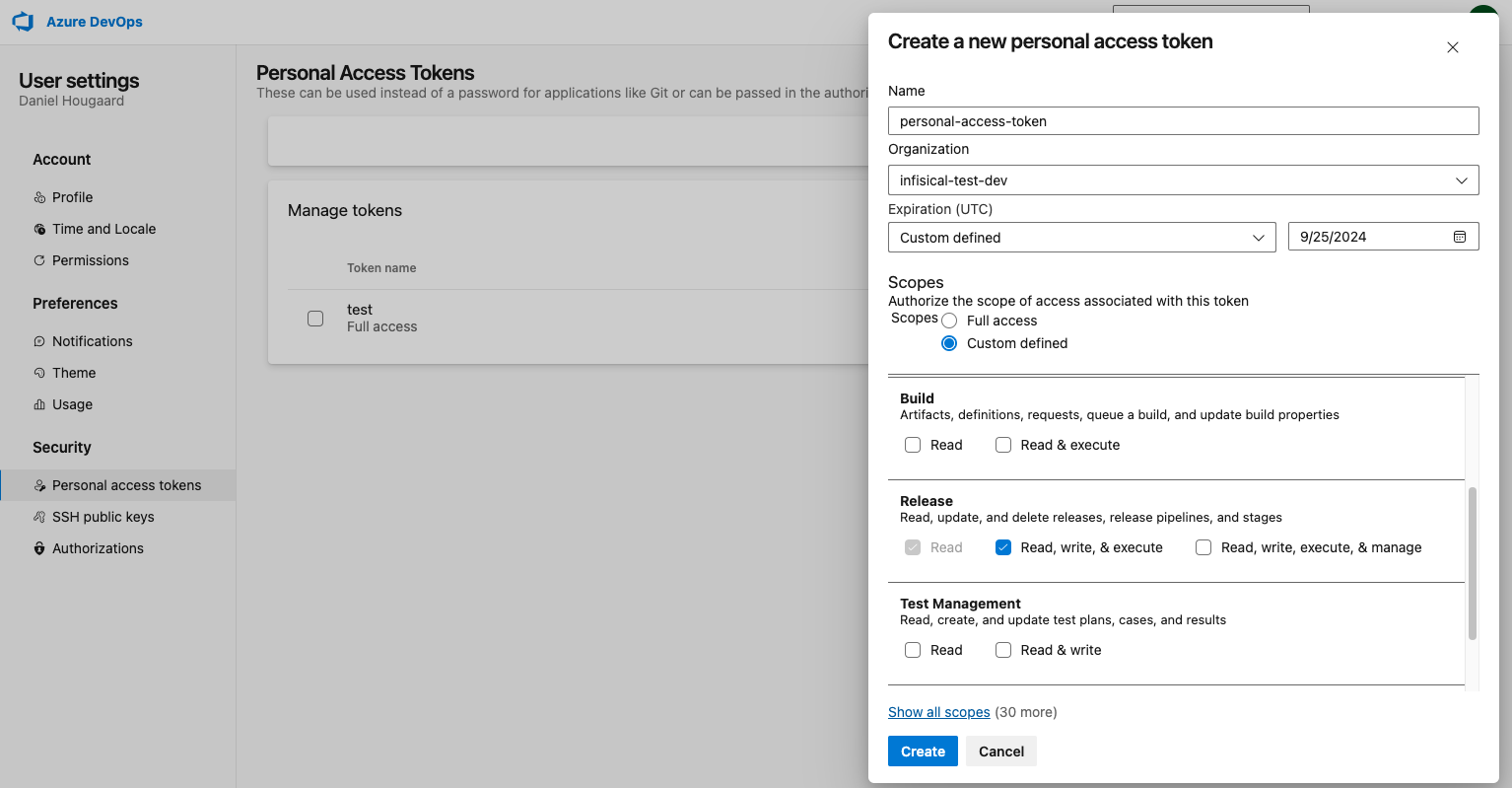
Please make sure that the token has access to the following scopes: Variable Groups (read, create, & manage), Release (read/write), Project and Team (read), Service Connections (read & query)
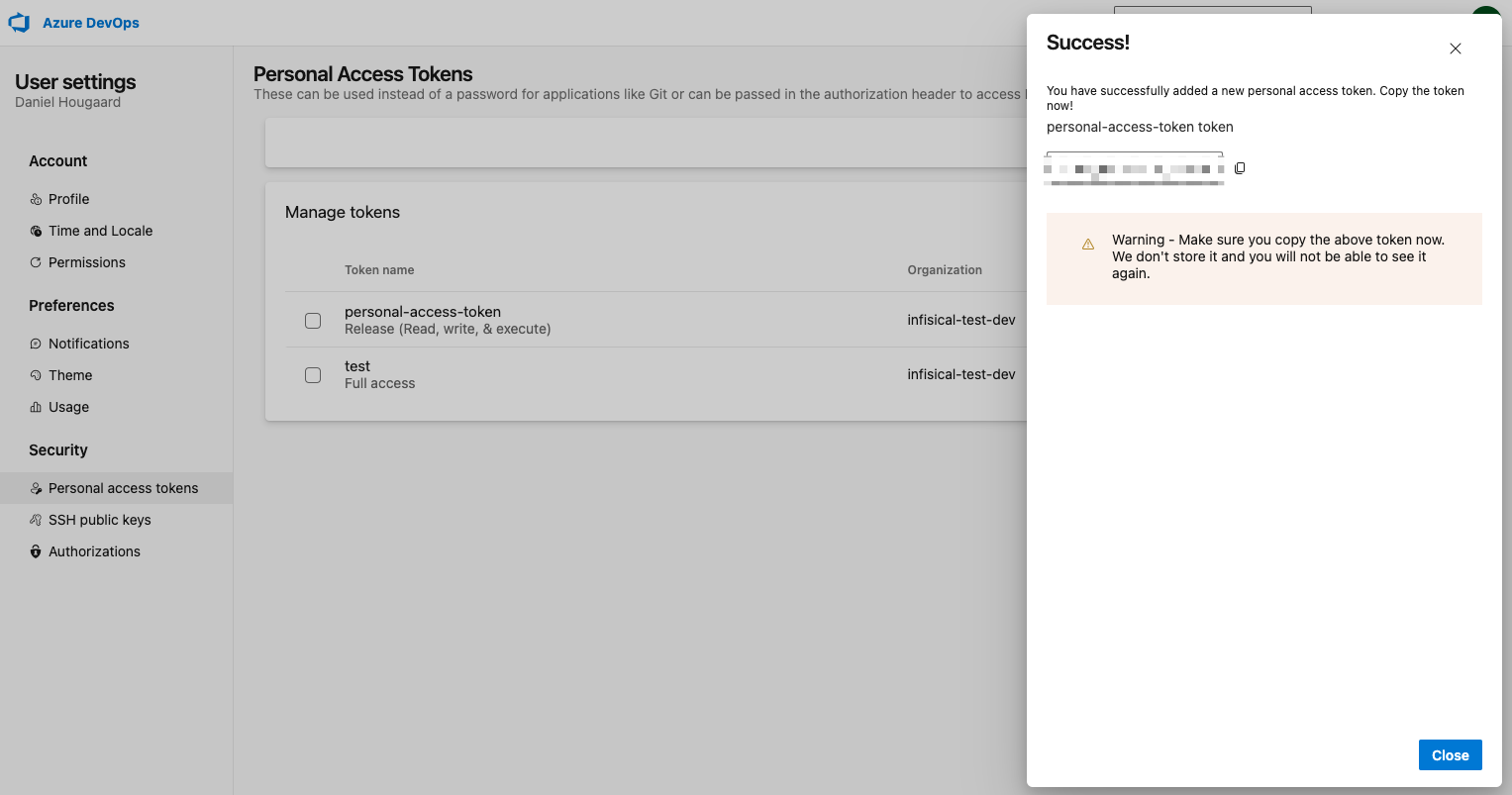
Setup the Infisical Azure DevOps integration
Navigate to your project’s integrations tab and select the ‘Azure DevOps’ integration.
Authorize Infisical for Azure DevOps
Enter your credentials that you obtained from the previous step.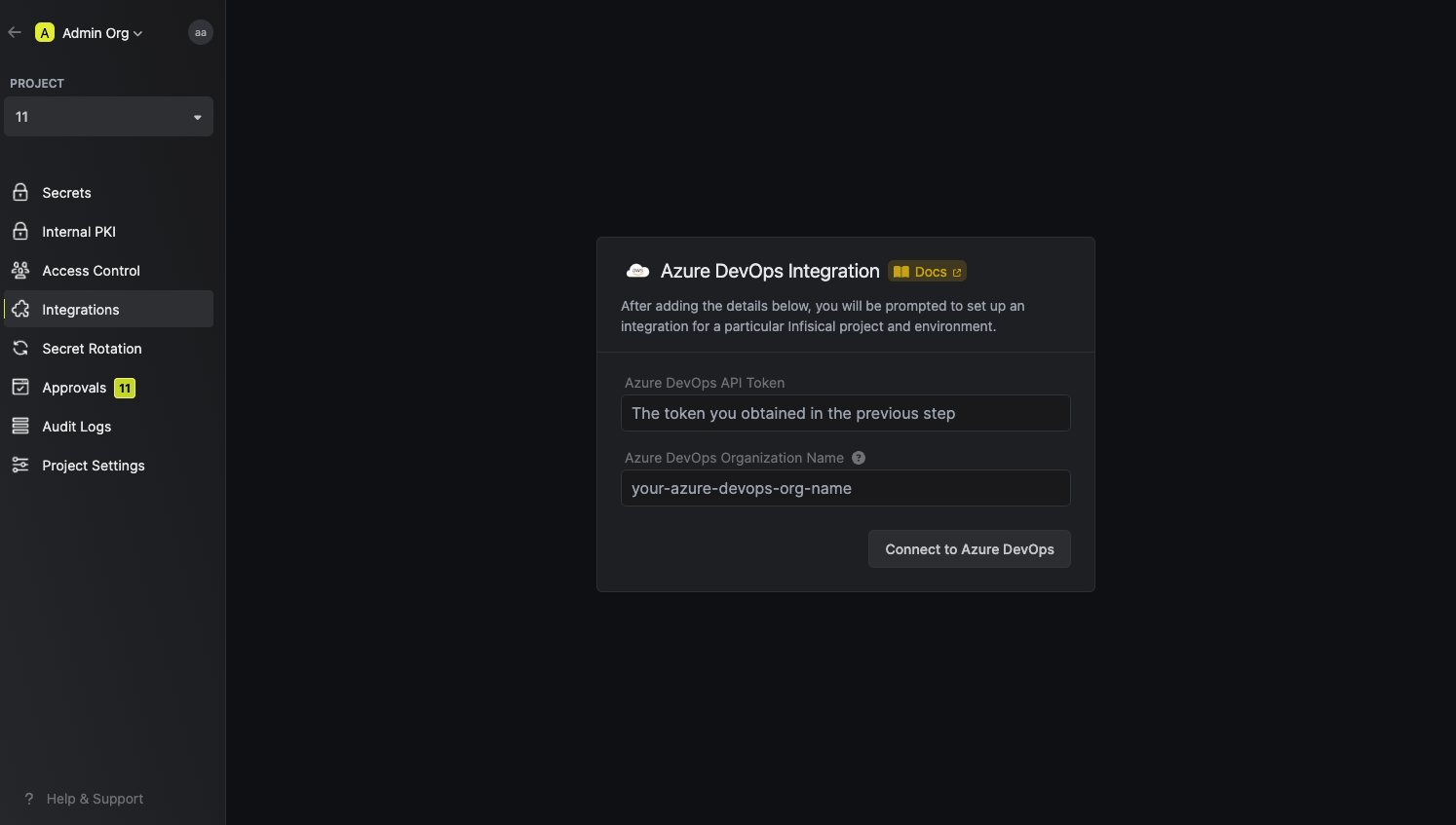
- Azure DevOps API token is the personal access token (PAT) you created in the previous step.
- Azure DevOps organization name is the name of your Azure DevOps organization.