Configure a Service Principal for Infisical
Databricks Workspace Settings
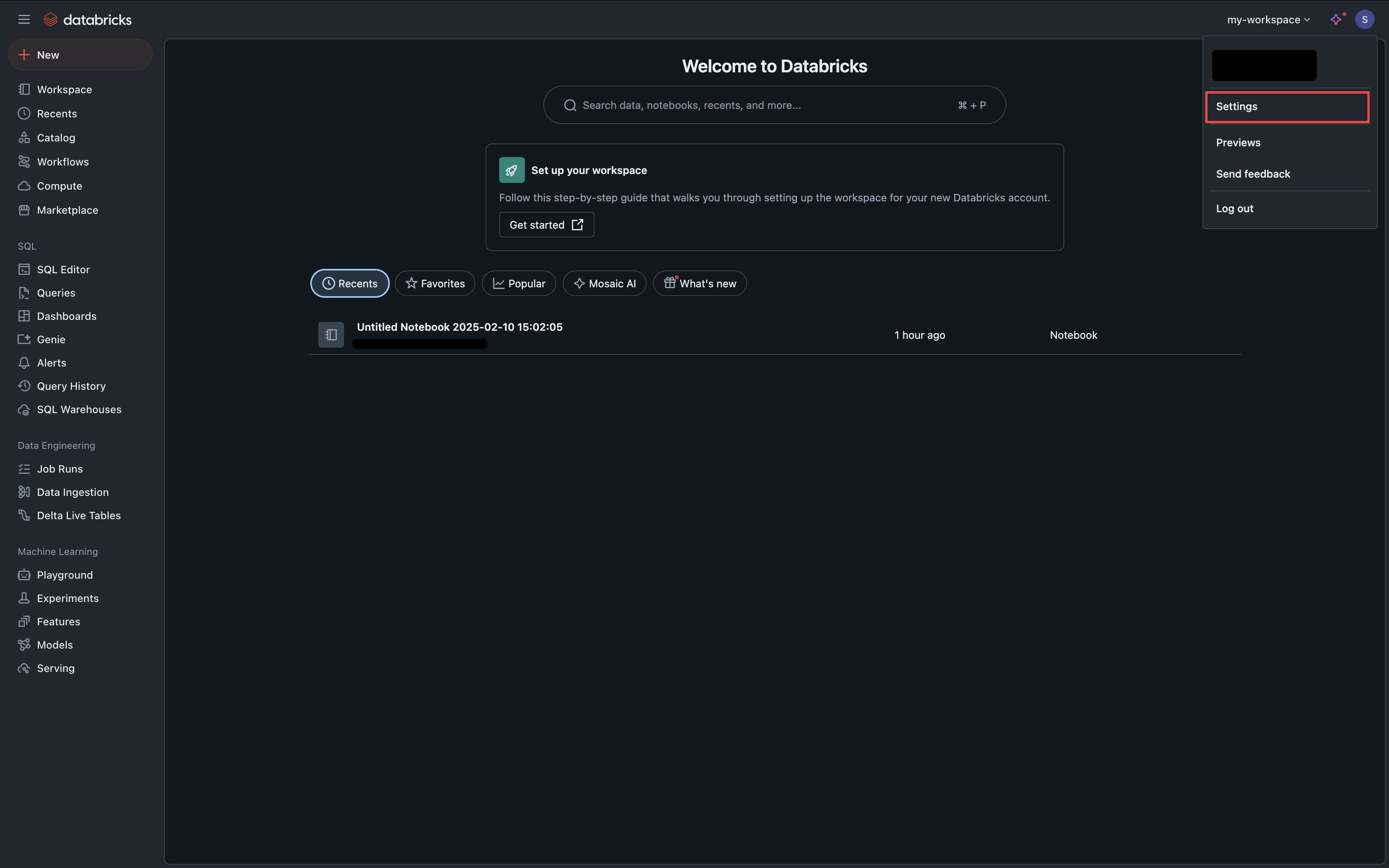
Navigate to your Databricks Workspace Settings via the dropdown in the top right.
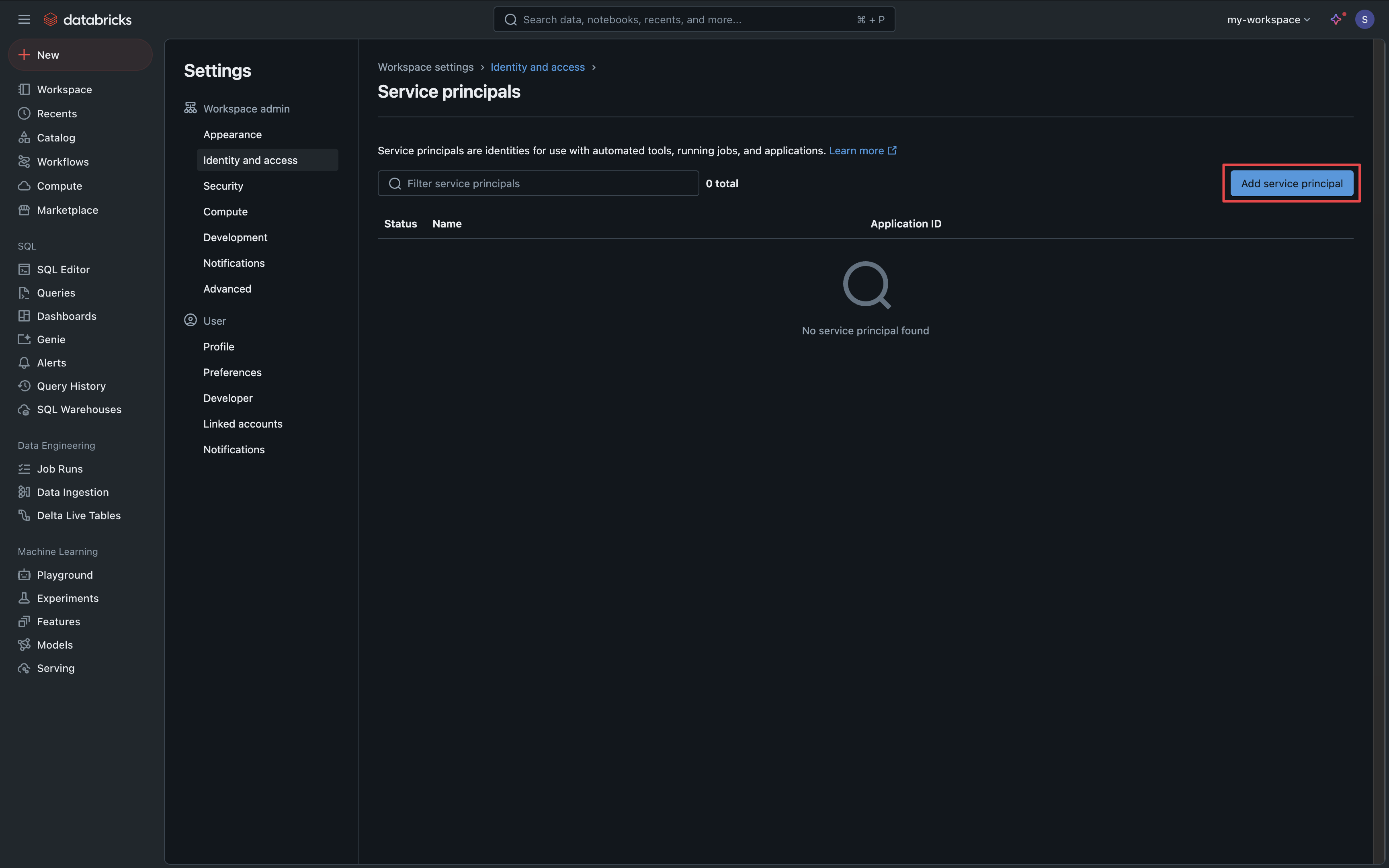
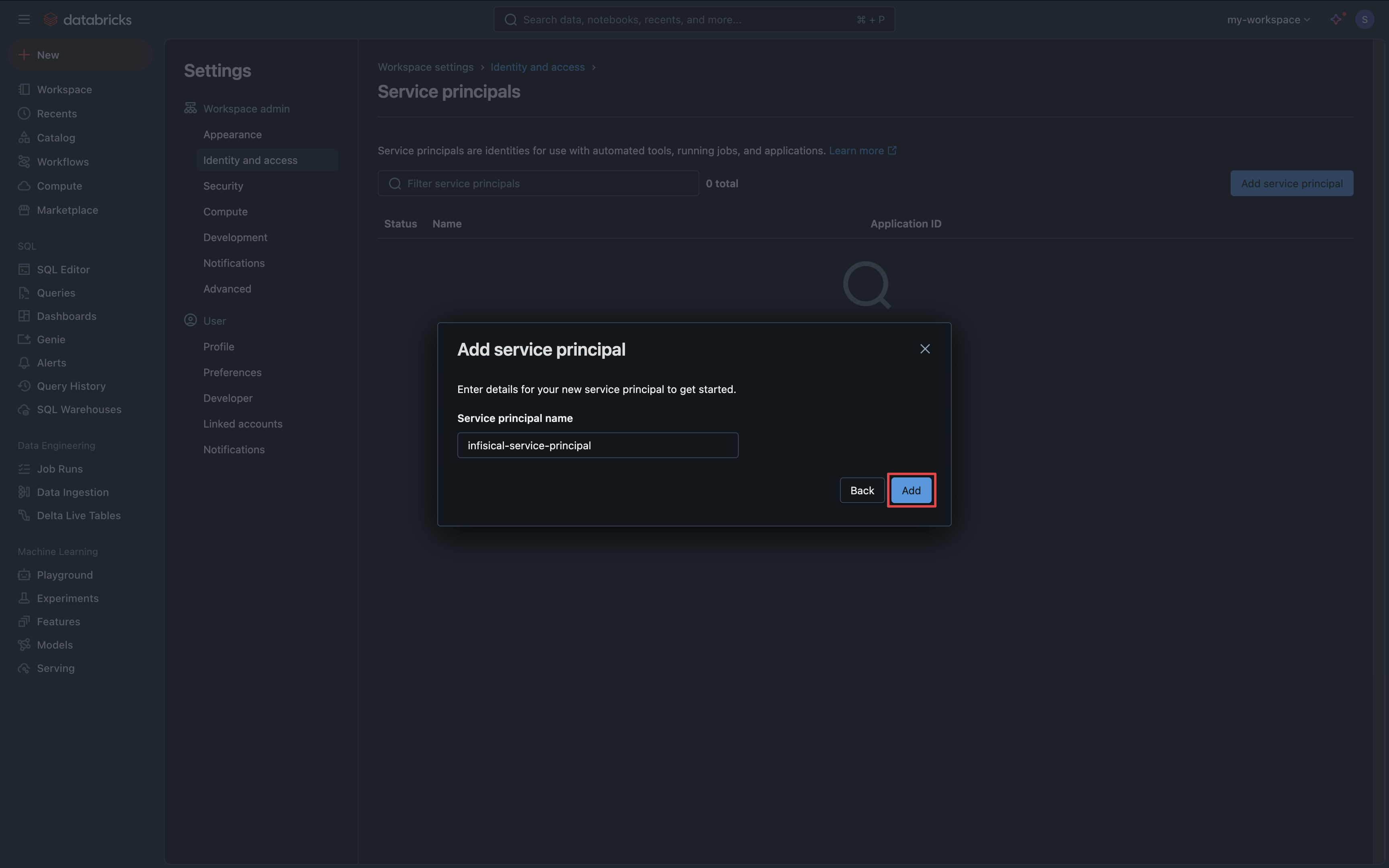
Manage Service Principals
Under the Identity & Access tab, click the Manage button in the Service Principals section.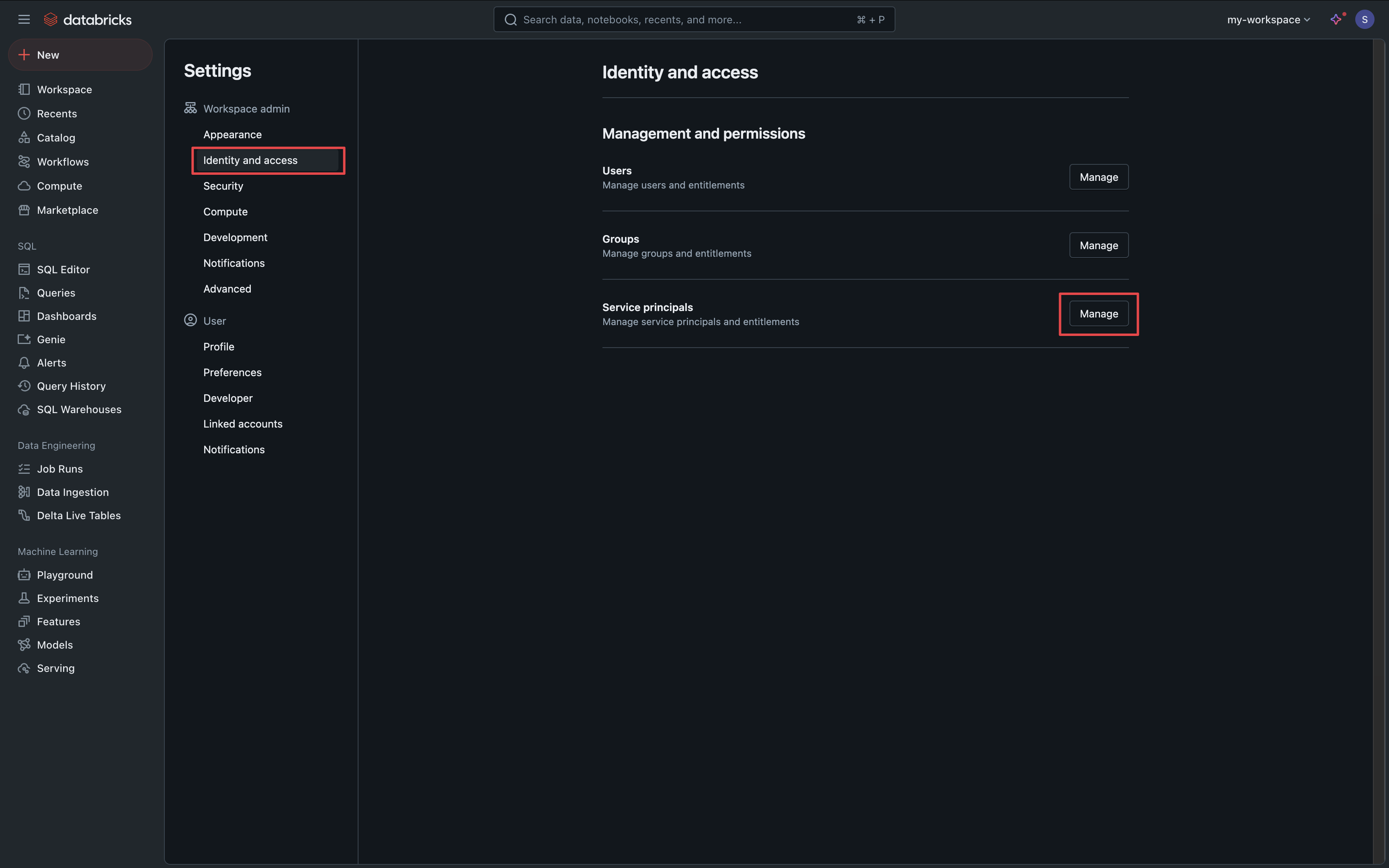
Generate Service Principal Secret
Click on your new service principal, select the Secrets tab and click the Generate Secret button.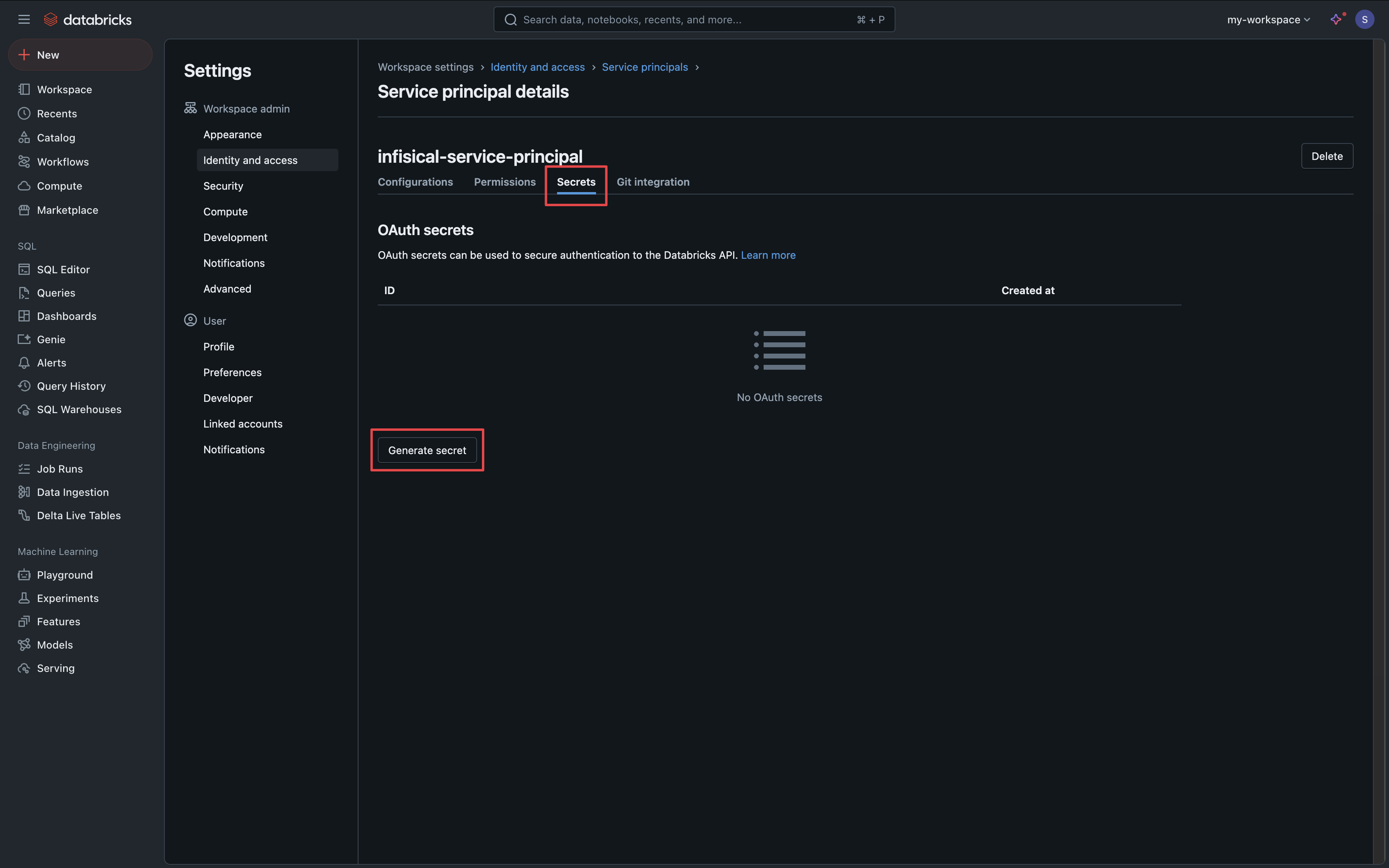
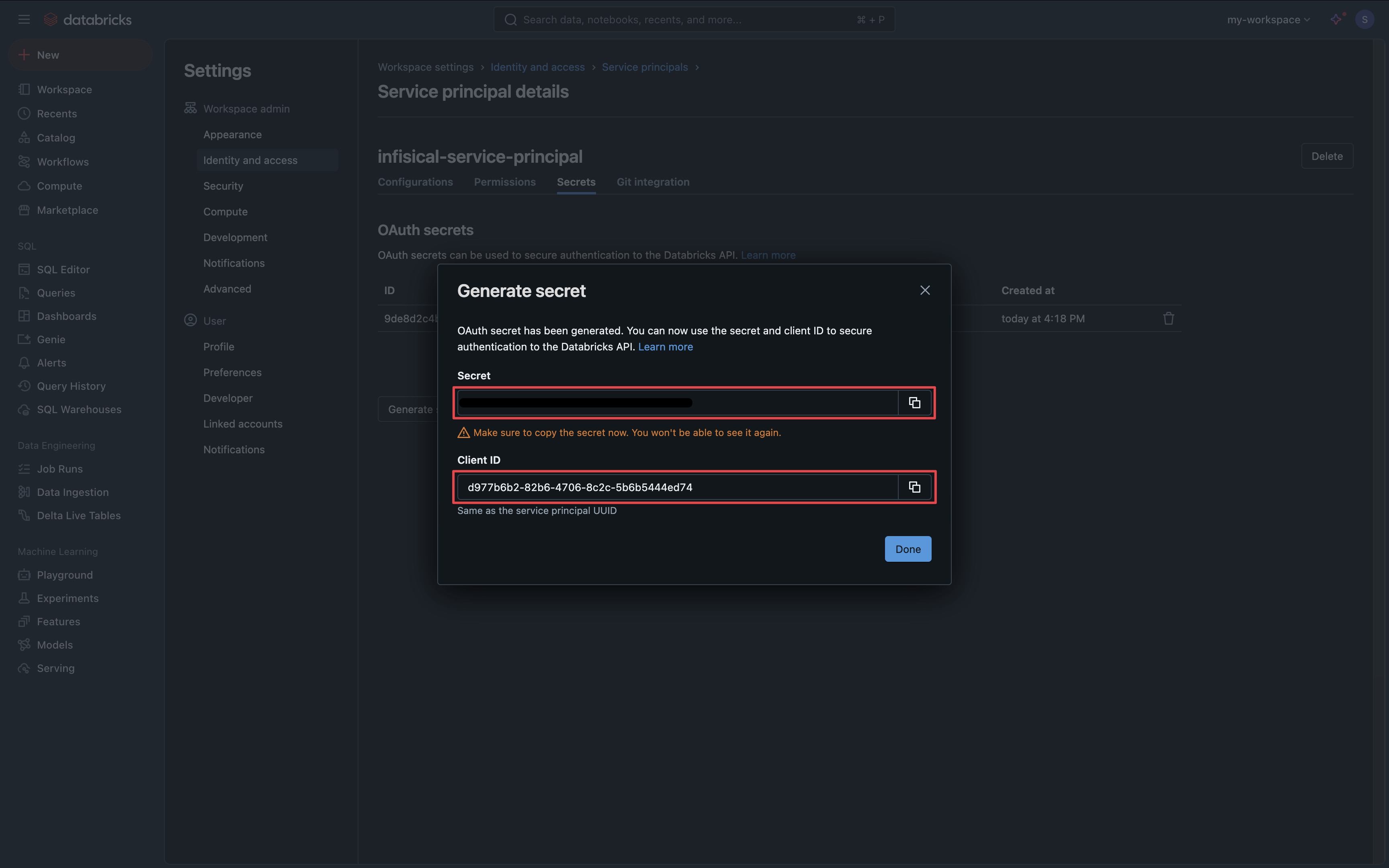
Setup Databricks Connection in Infisical
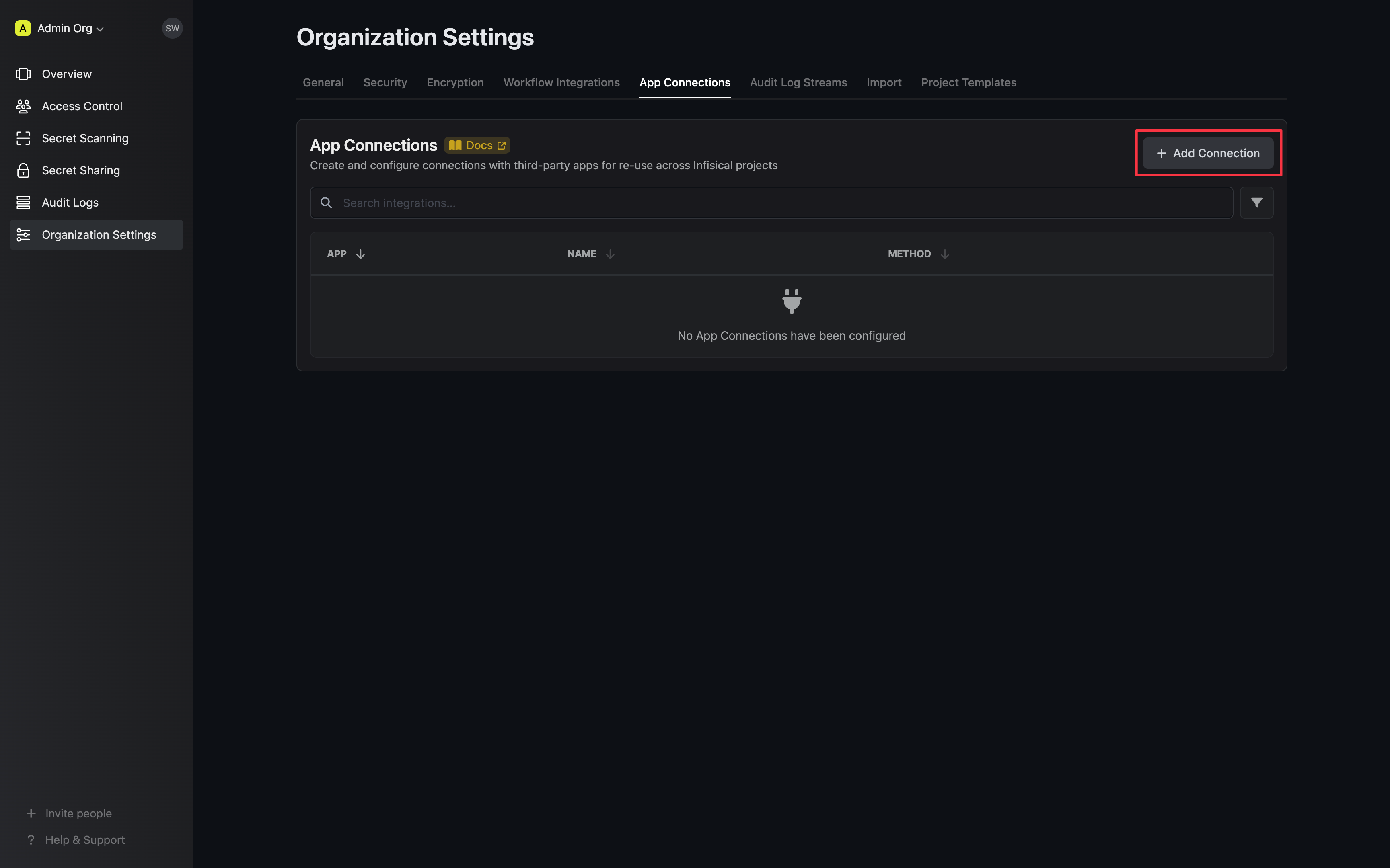
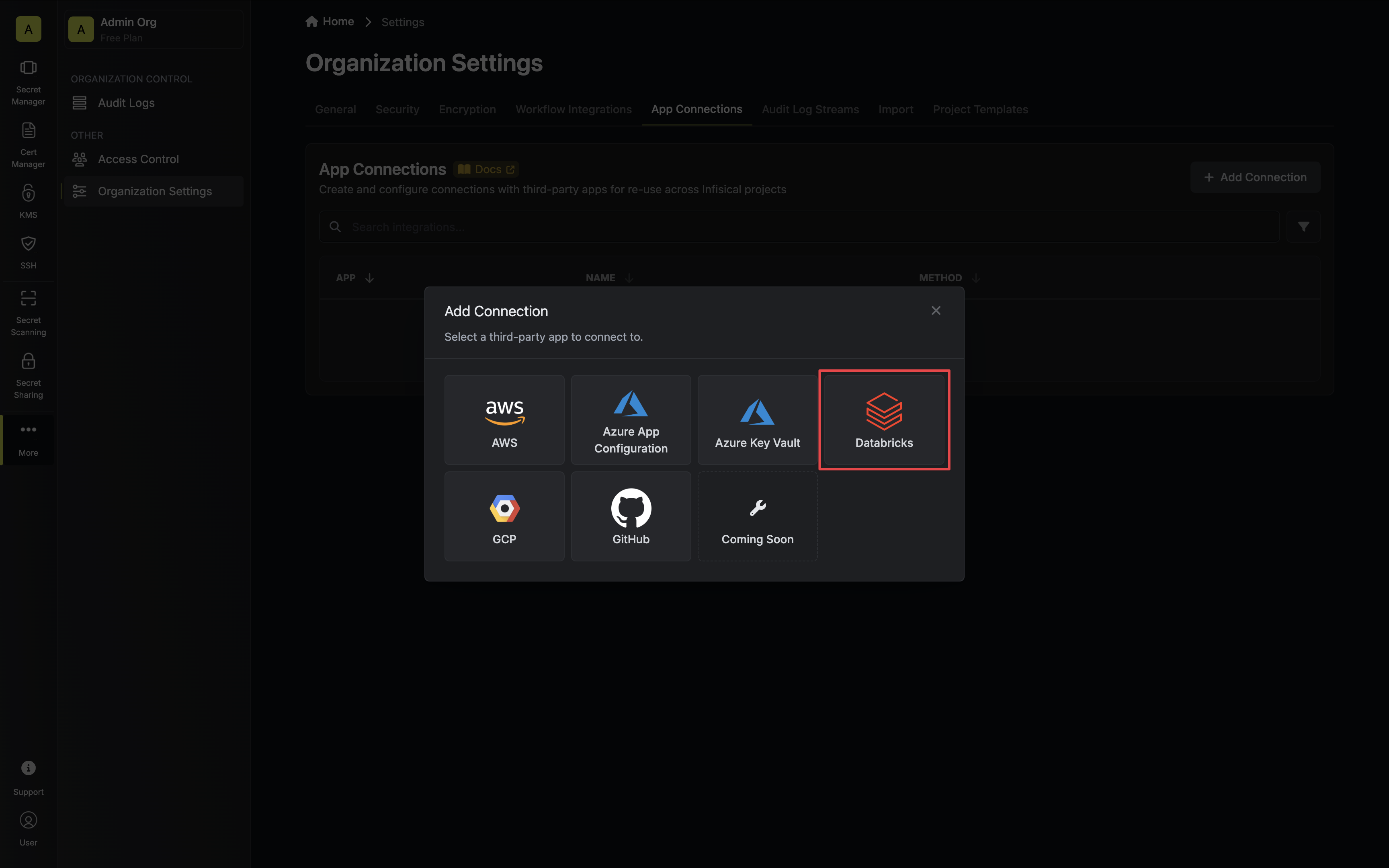
Authorize Connection
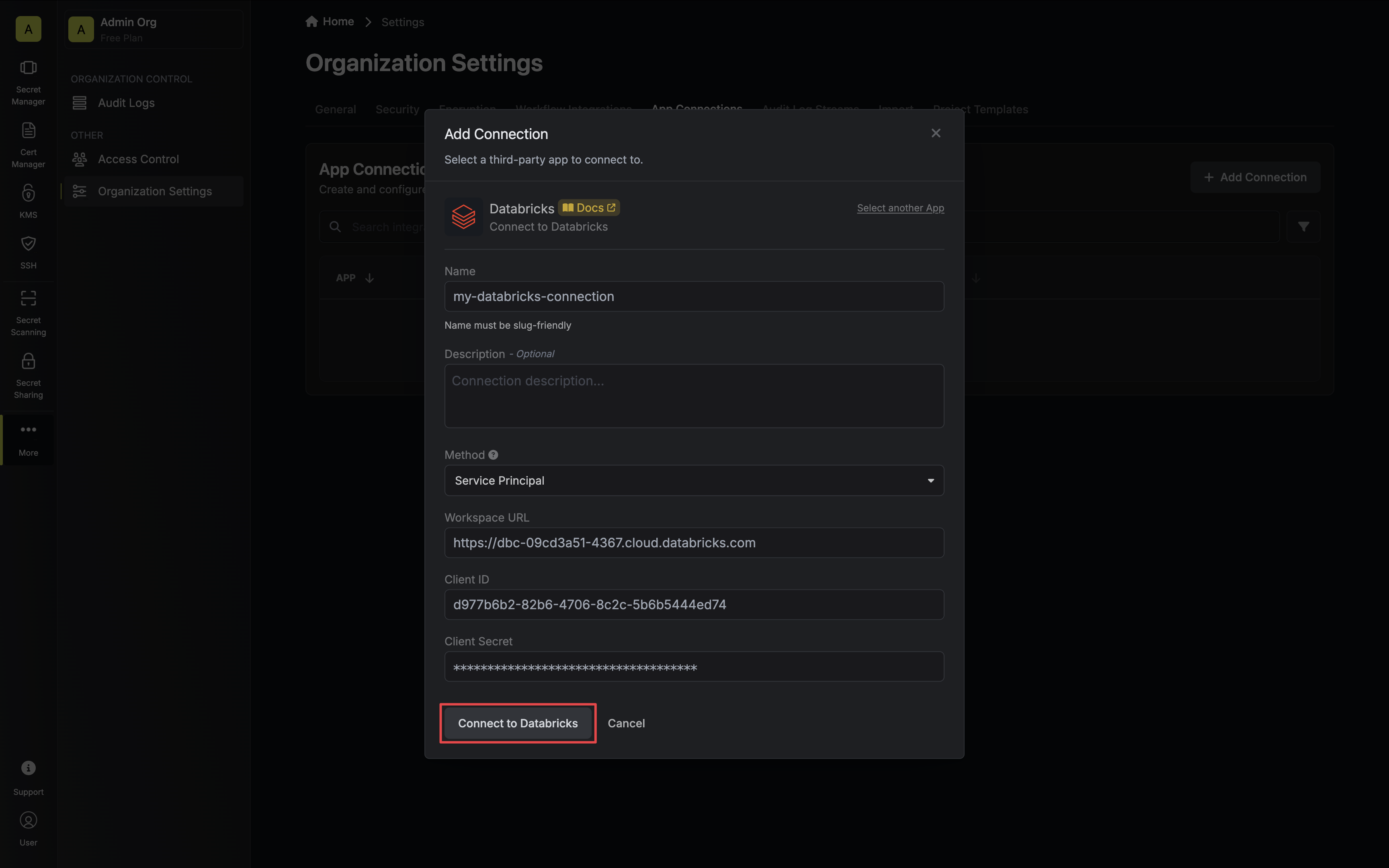
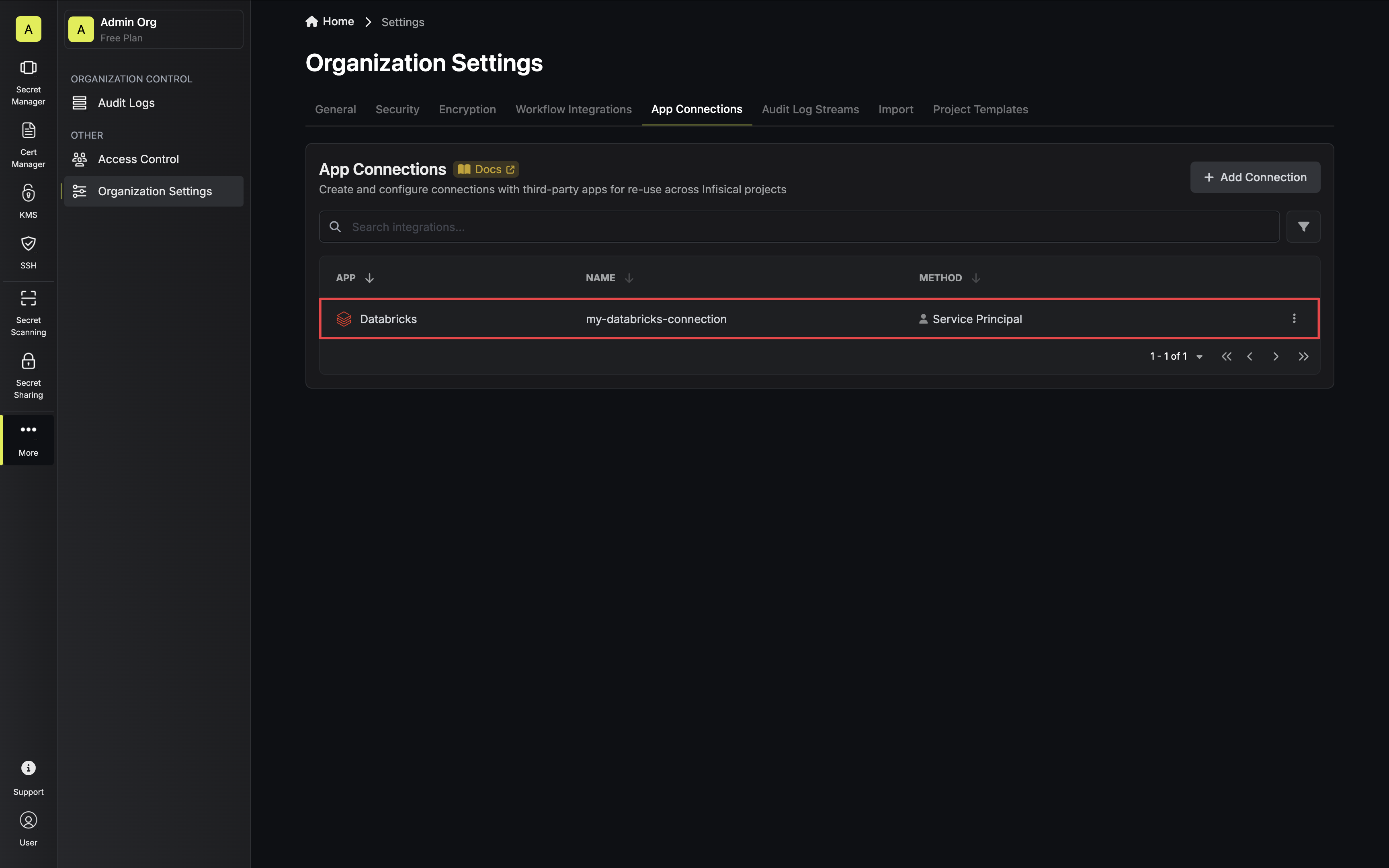
Select the Service Principal method, add your workspace URL and service principal credentials, then click Connect to
Databricks.