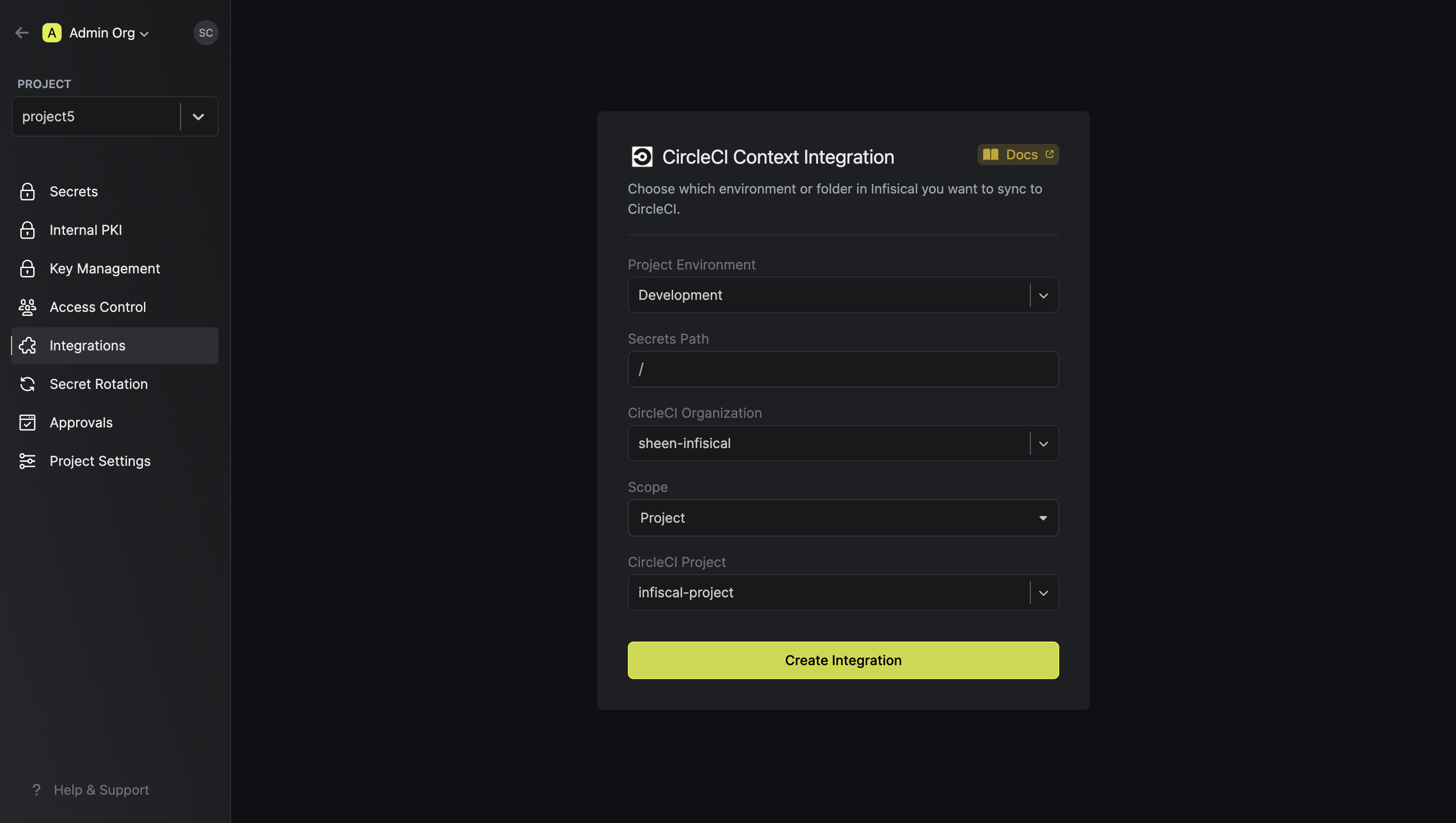
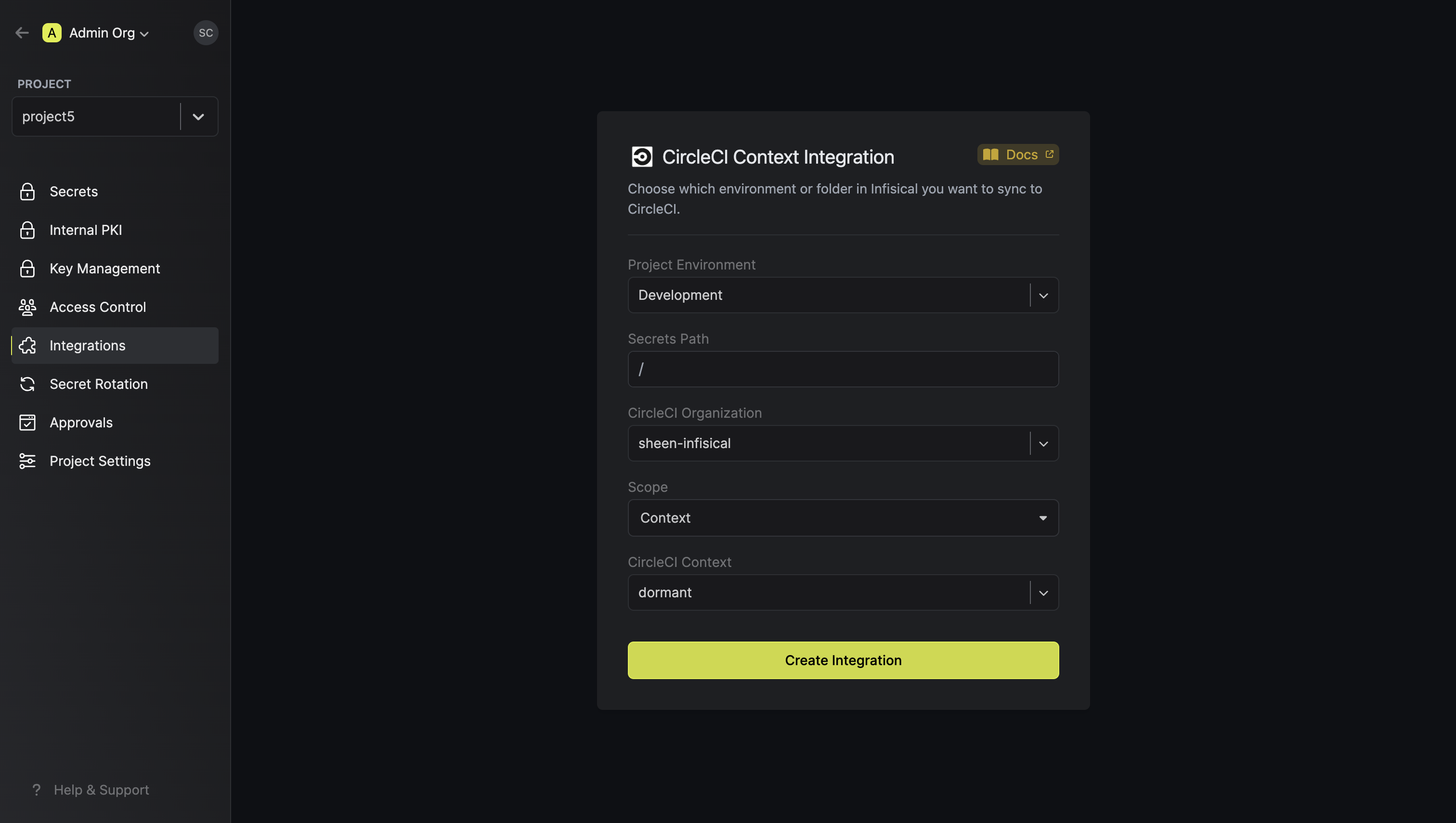
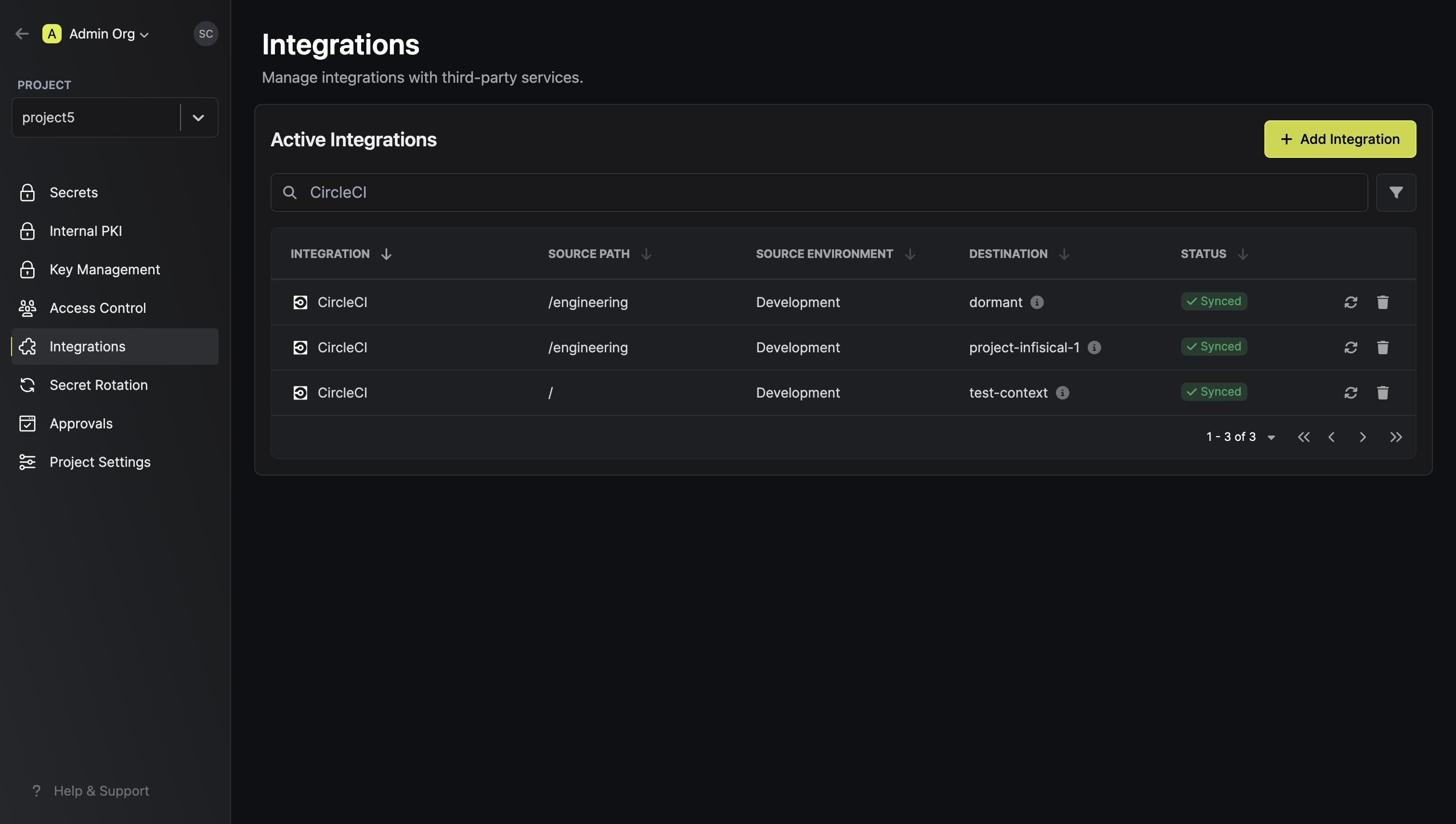
- Set up and add envars to Infisical Cloud
Authorize Infisical for CircleCI
Obtain an API token in User Settings > Personal API Tokens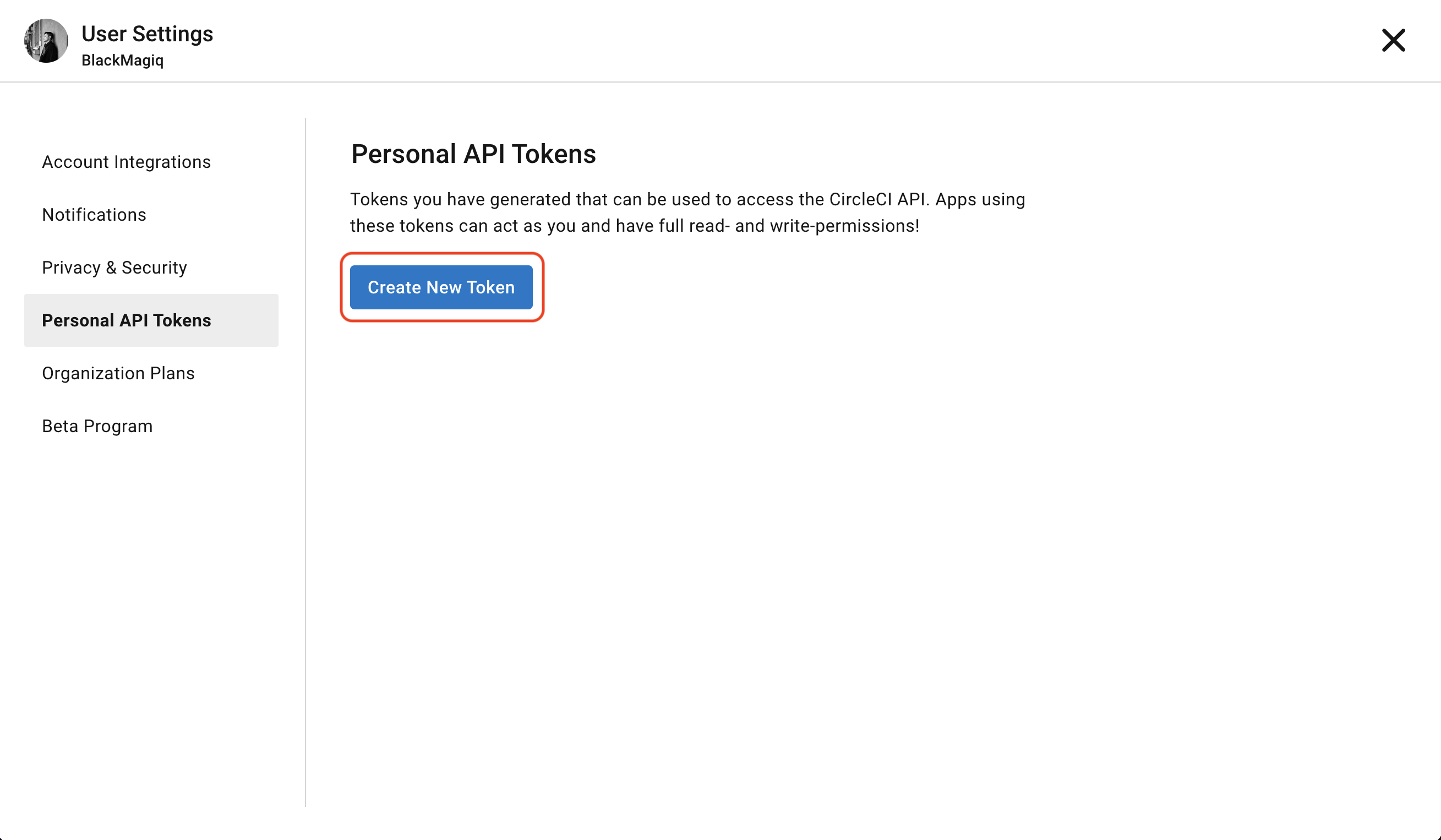 Navigate to your project’s integrations tab in Infisical.
 Press on the CircleCI tile and input your CircleCI API token to grant Infisical access to your CircleCI account.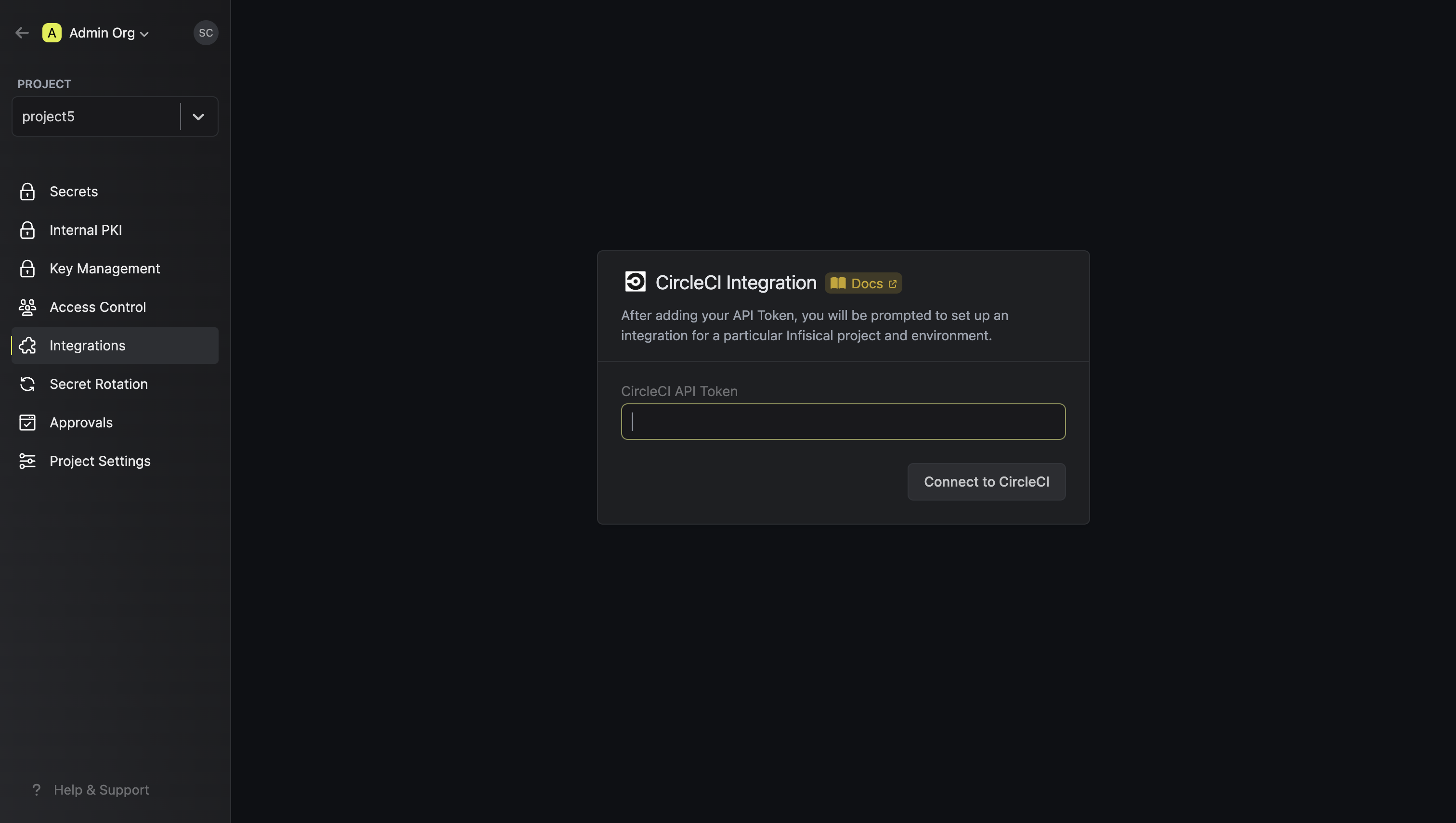
Navigate to your project’s integrations tab in Infisical.Press on the CircleCI tile and input your CircleCI API token to grant Infisical access to your CircleCI account.